
Motion


Overview

Video and motion graphics are part of how our audience speak. To catch their eye and get our message across, we use motion. This could be anything from GIFs to visual effects or moving graphics.

Exclusion Zones

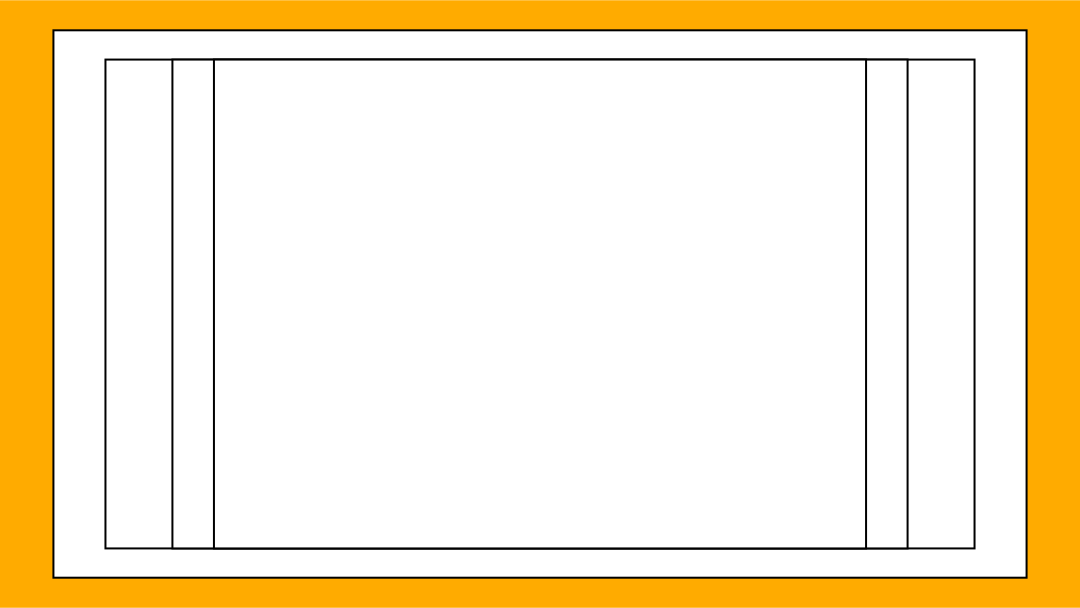
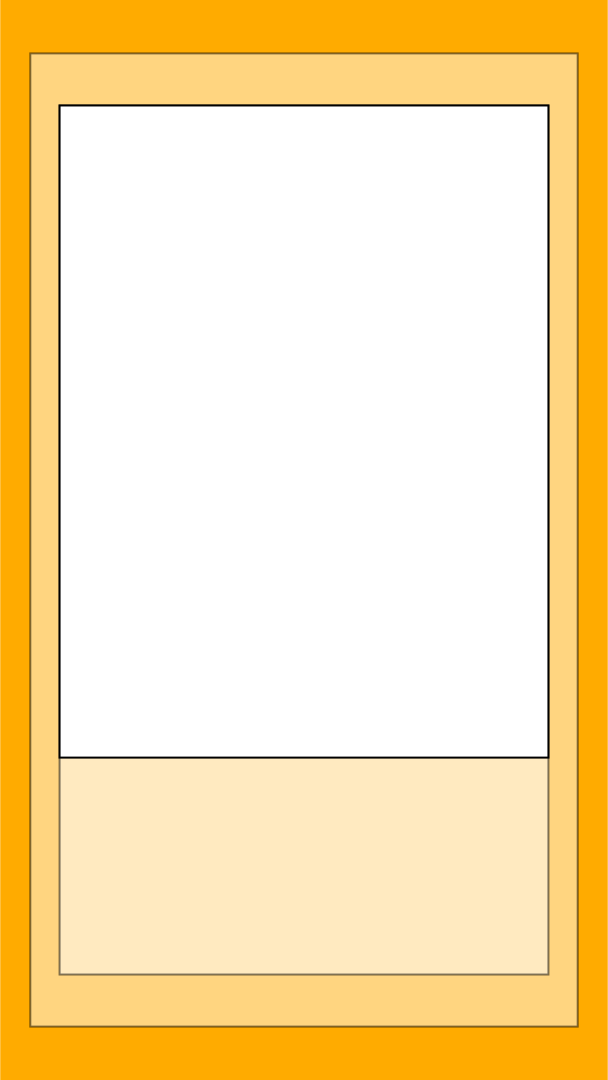
When creating videos, posts, reels or stories, be sure to avoid placing the logo or an important image within the yellow areas.
16x9 - Landscape Videos, Youtube, TV, Facebook
1x1 - Social Media Posts
9x16 - Social Media Reels, Stories, Instagram

Typography

Animating typography is a great way to grab our audience's attention while they're scrolling. Below are a few ways that typography can be animated.

Slide & Pop

These are lowkey ways to bring a whole lot of energy to a video.

From the bottom
From the side

Slit Reveal

To animate headlines or areas within a video that require a slower pace, a single line or multi-line slit can be used. Headline or body copy fonts can be used here.

Single line slit
Multiline slit

Gesture based animation

Scale and slide
Zoom and pinch

End Cards

To make sure our videos are proper, we've given you a few options for how they can end.

Simple

These are the most commonly used endings. The sleek and simple animations work well on flat colour or over footage with contrast.

Slit reveal
Slit reveal - on footage

GIF end cards

Based on the usage, platform and time you have, here are a few different end cards that you can use.

GIF slide reveal
GIF scale reveal
GIF slide reveal - on footage
GIF scale reveal - on footage

Lower Thirds

A lower third is usually a combination of text and graphics placed in the lower area of the screen. It gives the audience more information.

Defaults

Depending on the colouring of the footage being used, the appropriate coloured text should be used.

On light background
On dark background

Boxed

An alternative to the above, text can be placed within a box.

On dark background
On light background

Secondary colours

Should a secondary colour be required, please refer to the colour chart for possible combinations.


Video Transitions

When creating a video, these are transitions that can be used.
Wipe Transitions
Cutout Transitions

Title Cards

When text is required to tell or add to a story, the following title cards can be used:
Title Card 1
Title Card 2